iPhone 13 Pink Screen & Random Restart Diagnosis Guide
Understanding AOP Panic & Proximity Sensor Flex Failure
The iPhone 13 series has a unique hardware anomaly that causes the screen to flash pink right before the device automatically restarts. If your iPhone 13, Mini, Pro, or Pro Max is trapped in an exact 3-minute reboot loop without any user interaction, you are likely experiencing a hardware failure related to the Always-On Processor (AOP). This article delves deep into the root cause, how to read your Panic Logs to confirm the issue, and the proven repair solution.
CRITICAL COMPONENT FAILURE
Earpiece/Proximity Sensor Flex Cable Replacement
Confidence: 95% - The flashing pink screen and precise 180-second reboot cycle are signature symptoms unique to a damaged proximity flex cable (specifically Mic 3 failure) on iPhone 13 models.. Use our diagnosis tool
Why Does the iPhone 13 Flash a Pink Screen?
Unlike previous models, the iPhone 13 separates the proximity sensor from the Face ID module. The earpiece flex cable integrates the ambient light sensor, proximity sensor, and the tertiary microphone (Mic 3). The iOS 'Watchdog Timer' continuously polls critical sensors every 180 seconds. When water damage, severe drops, or spontaneous component failure breaks the communication to Mic 3, the Always-On Processor (AOP) times out. As a failsafe, the kernel forces a shutdown, resulting in the notorious pink flash before the Apple logo appears.
MATCHED EVIDENCE FROM SYMPTOM CHECK
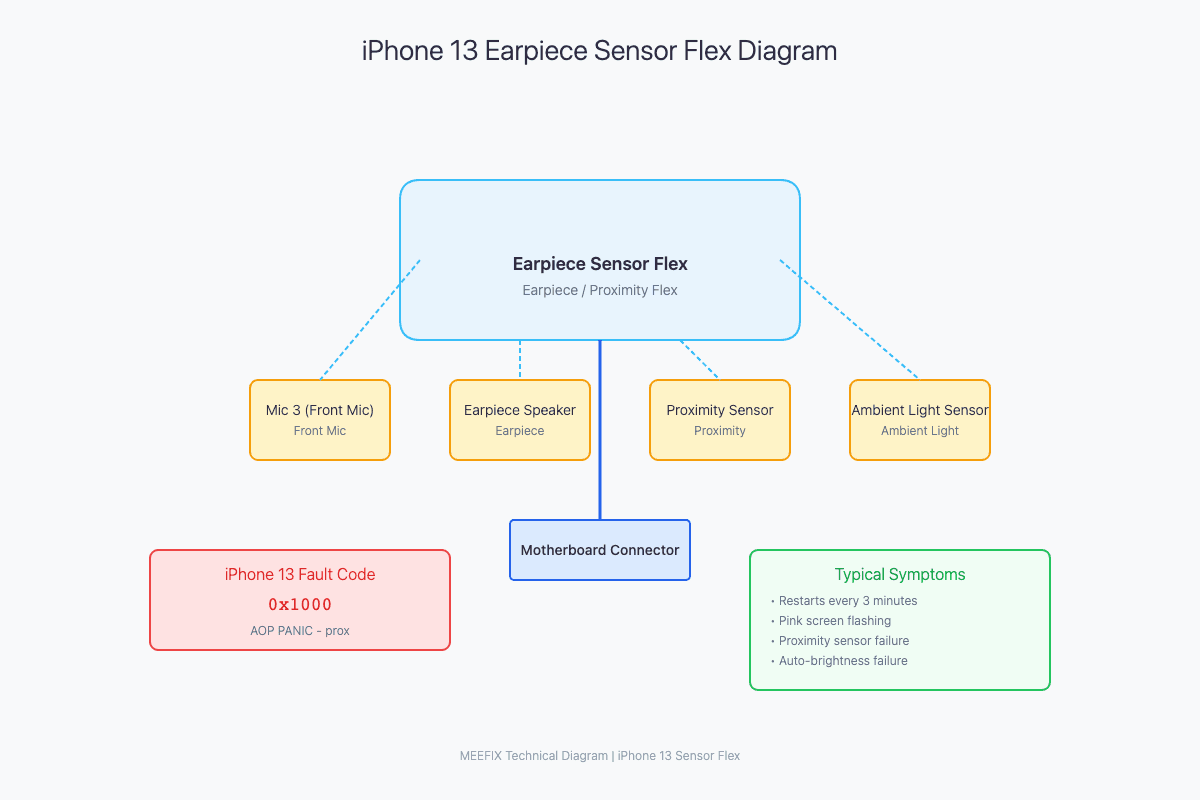
Reading the Panic Log (Error Code 0x1000)
To confirm this is the exact issue, navigate to Settings > Privacy & Security > Analytics & Improvements > Analytics Data, and search for 'panic-full'. Open the latest log.
AOP PANIC - SCMto: 0 - prox
SMC PANIC - ASSERTION FAILED
Sensor Array: 0x1000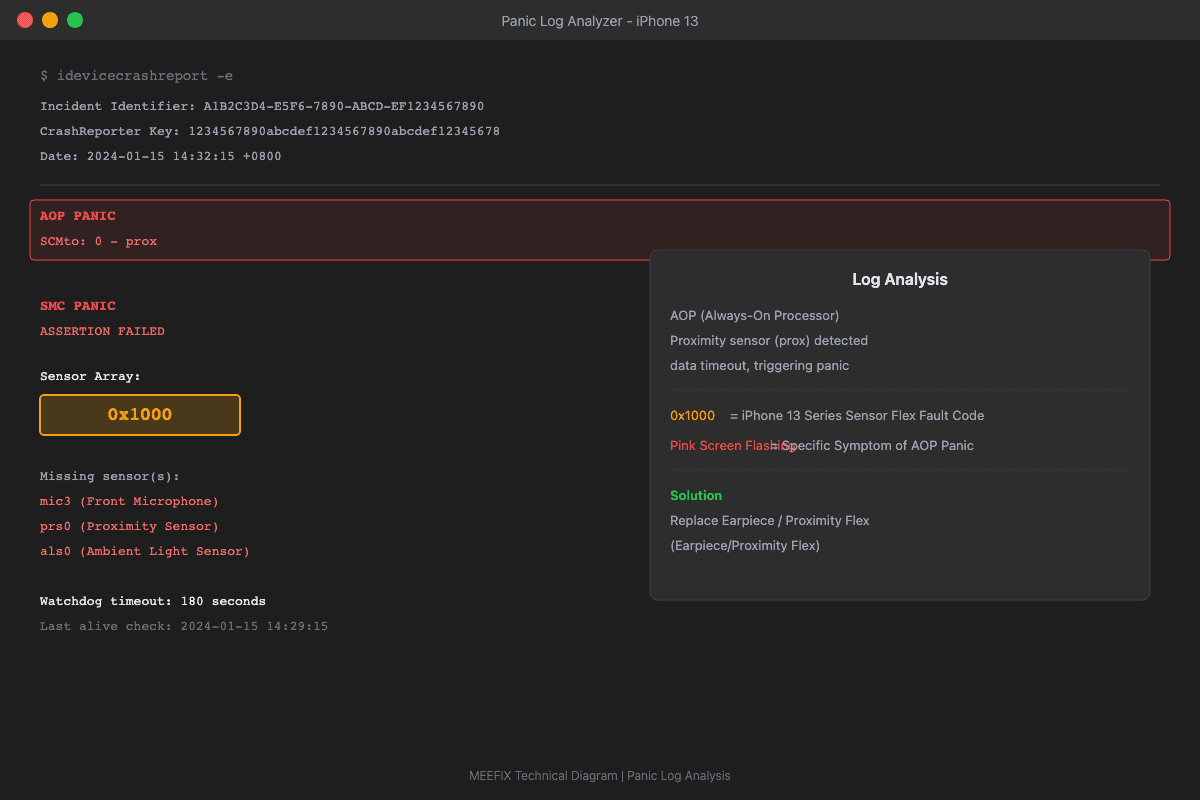
How to Fix the Prox Sensor Failure
Replacing the Earpiece/Proximity Sensor Flex Cable resolves the kernel panic. Note: You will not lose Face ID, but replacing it with a new OEM cable requires serial number recalibration to restore True Tone and Auto-Brightness.
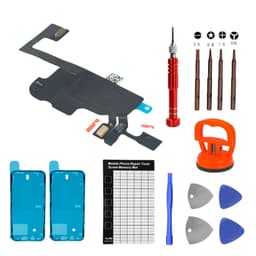
Proximity Sensor Flex Cable Kit For iPhone 13
Want a More Precise Diagnosis?
Use our interactive diagnostic tool to narrow down your device's issues. By answering a few specific questions, we'll help pinpoint the exact failure point.
START FULL DIAGNOSISOther Possible Causes
WHILE LESS LIKELY, THESE ISSUES COULD ALSO CAUSE SIMILAR SYMPTOMS